To request access to the Fin Agent API, go to Settings > Integrations > Fin Agent API in your workspace and tell us about your use case. Once access is granted, Fin Agent API appears under Fin AI Agent > Deploy.
The Fin Agent API is available on API version 2.14 and above. Make sure your integration uses version 2.14 or later.
- In your Intercom workspace, go to Fin AI Agent from the sidebar.
- Then click on Deploy nav item to expand its options.
- You should see Fin Agent API. Click on it, and you should see the following page:
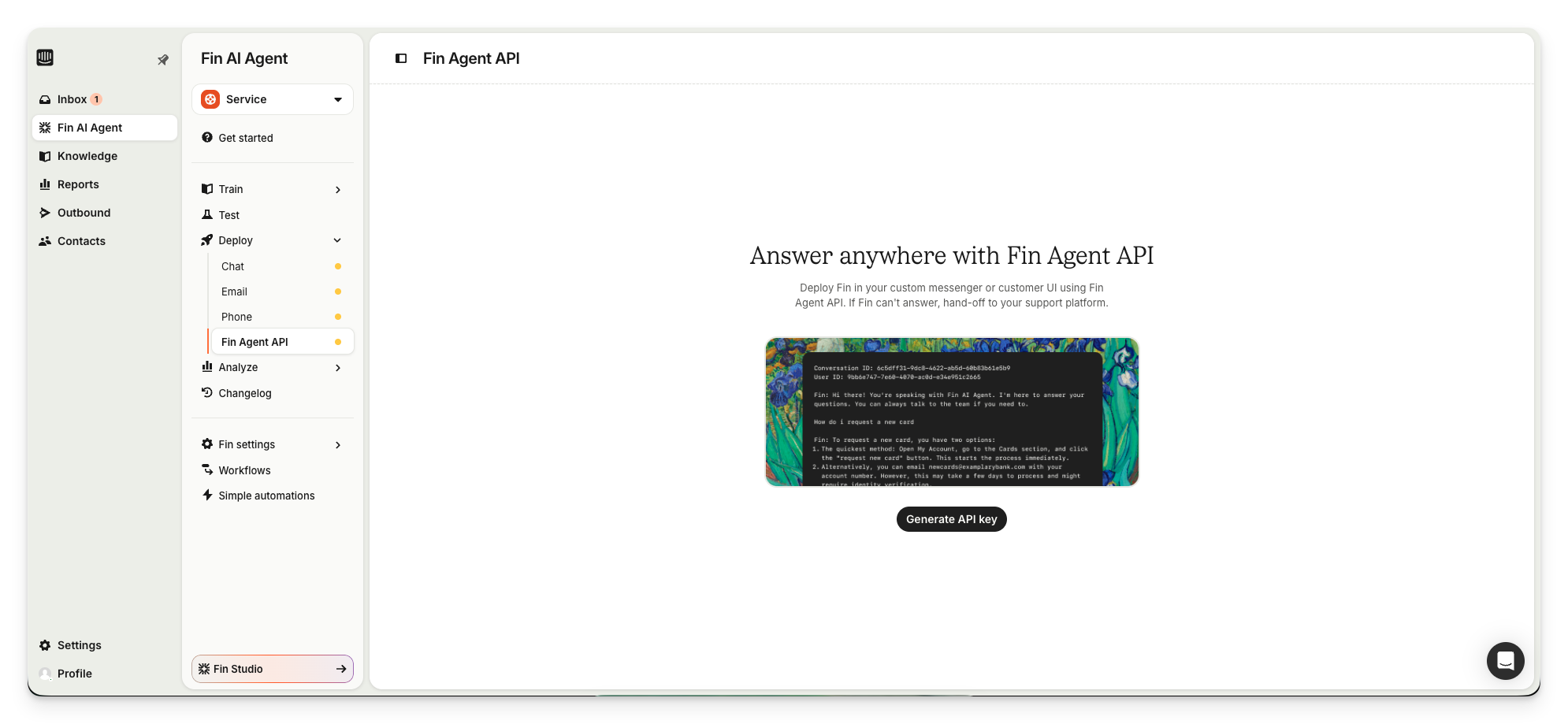
- From there, click Generate API key.
- Once generated, click on Manage API key.
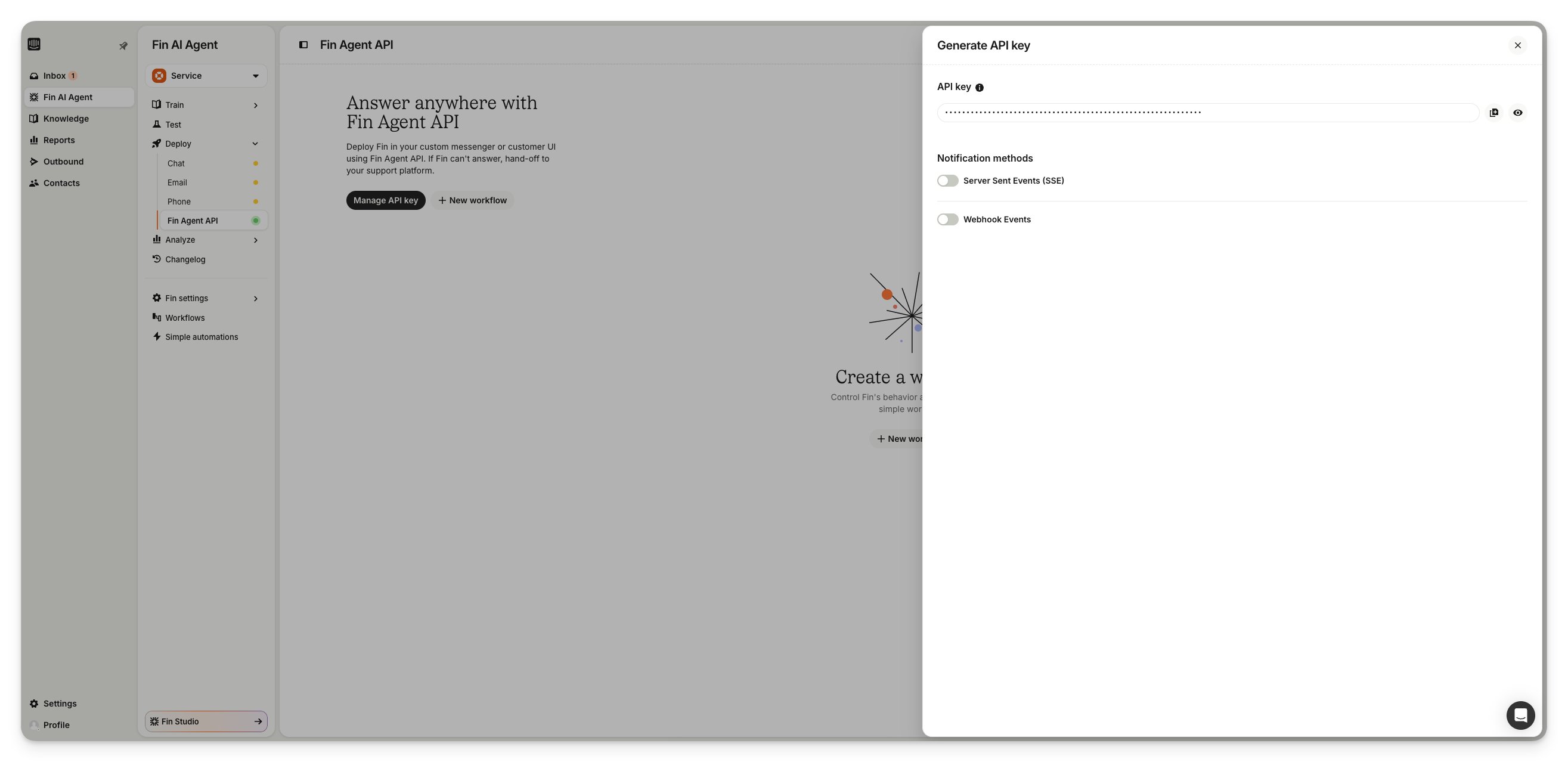
- You’ll see two buttons beside the API key, for copying to clipboard and revealing the key in that respective order.
- Copy the key.
- Use this API key in your requests as a Bearer token.
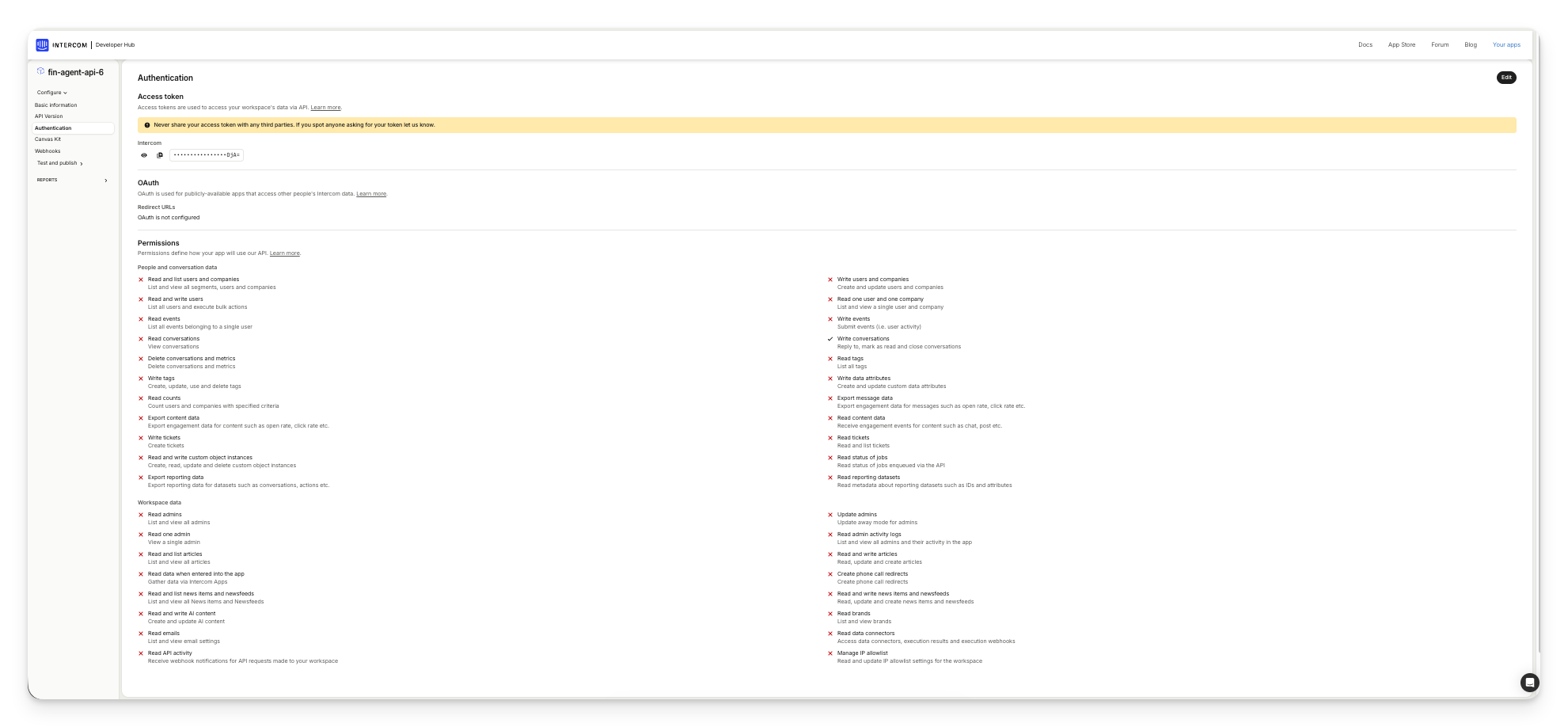
The Fin Agent API access token is created with minimal OAuth scopes following the principle of least privilege for enhanced security.
Your Fin Agent API token has the following OAuth scopes:
write_conversations- Allows replying to, marking as read, and closing conversationsread_write_users- Allows creating and updating the users Fin acts on behalf of
These scopes are sufficient for all Fin Agent API operations.
Your API key must be used for server-to-server communication only. It must:
- Only be used in backend/server-side code
- Never be exposed in client-side code (JavaScript, mobile apps, browser extensions)
- Never be committed to public repositories or shared publicly
Even with reduced scopes, an exposed token could be used to send messages on behalf of your organization, or read and modify conversation and user data.
Fin Agent API tokens have significantly reduced permissions compared to general-purpose API keys. This means:
- If compromised, the token can only read and write conversations and the users Fin acts on behalf of
- The token cannot export reports, manage admins, or perform other administrative actions
The Fin Agent API token is specifically designed for the Fin Agent API endpoints. If you need to call other Intercom APIs (such as the REST API for users, companies, or other resources), you should:
- Create a separate API key or App with the appropriate scopes for those endpoints
- Use different tokens for different API integrations to maintain security boundaries
Do not attempt to use the Fin Agent API token for other Intercom API endpoints, as it lacks the necessary permissions.
If you need to adjust the OAuth scopes for your Fin Agent API token:
- Navigate to Settings → Developer Hub → App Packages
- Find your Fin Agent API app package
- Click on the OAuth section to view and modify scopes
- Regenerate your token for changes to take effect
Note: While you can add additional scopes, we recommend keeping only the scopes you actually need for security best practices.
Configure how you receive events from Fin. You can use Webhooks (server callback), SSE (real-time stream returned in the API response), or both.
Configure a callback URL to receive webhook notifications from Fin.
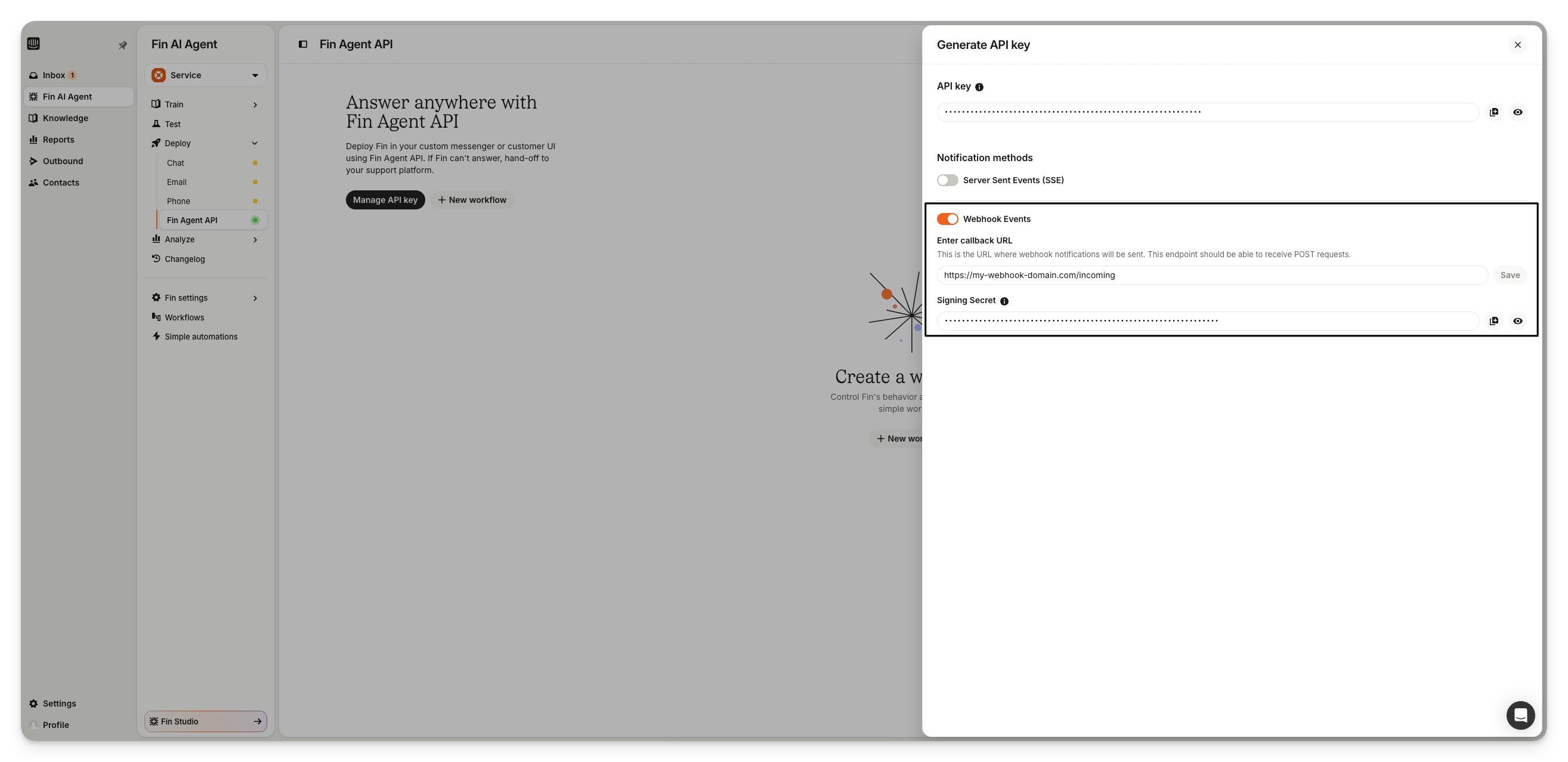
- You'll need to provide a callback URL to receive notifications.
- Initially, the signing secret will be empty. Once you save a callback URL, a secret will be generated and displayed.
- Now, you can use the buttons to copy the secret to clipboard, or reveal the secret.
- Use this secret to validate the webhook requests.
All webhook requests will include an X-Fin-Agent-API-Webhook-Signature header containing an HMAC-SHA256 signature of the request body. Validation can be done by generating a signature using the request body and the signing secret from the settings, and comparing it with the aforementioned header value.
We compute the value of this X-Fin-Agent-API-Webhook-Signature header by creating a signature using the body of the JSON request and your Webhook secret value, which you can find in the Webhook settings of your API.
The signature is the hexadecimal (64-byte) representation of a SHA-256 signature computed using the HMAC algorithm as defined in RFC6234.
POST https://example.org/hooks
X-Fin-Agent-API-Webhook-Signature: sha256=21ff2e149e0fdcac6f947740f6177f6434bda921
Content-Type: application/jsonServer-Sent Events (SSE) is available by application only. Contact your account team or Customer Support to request access.
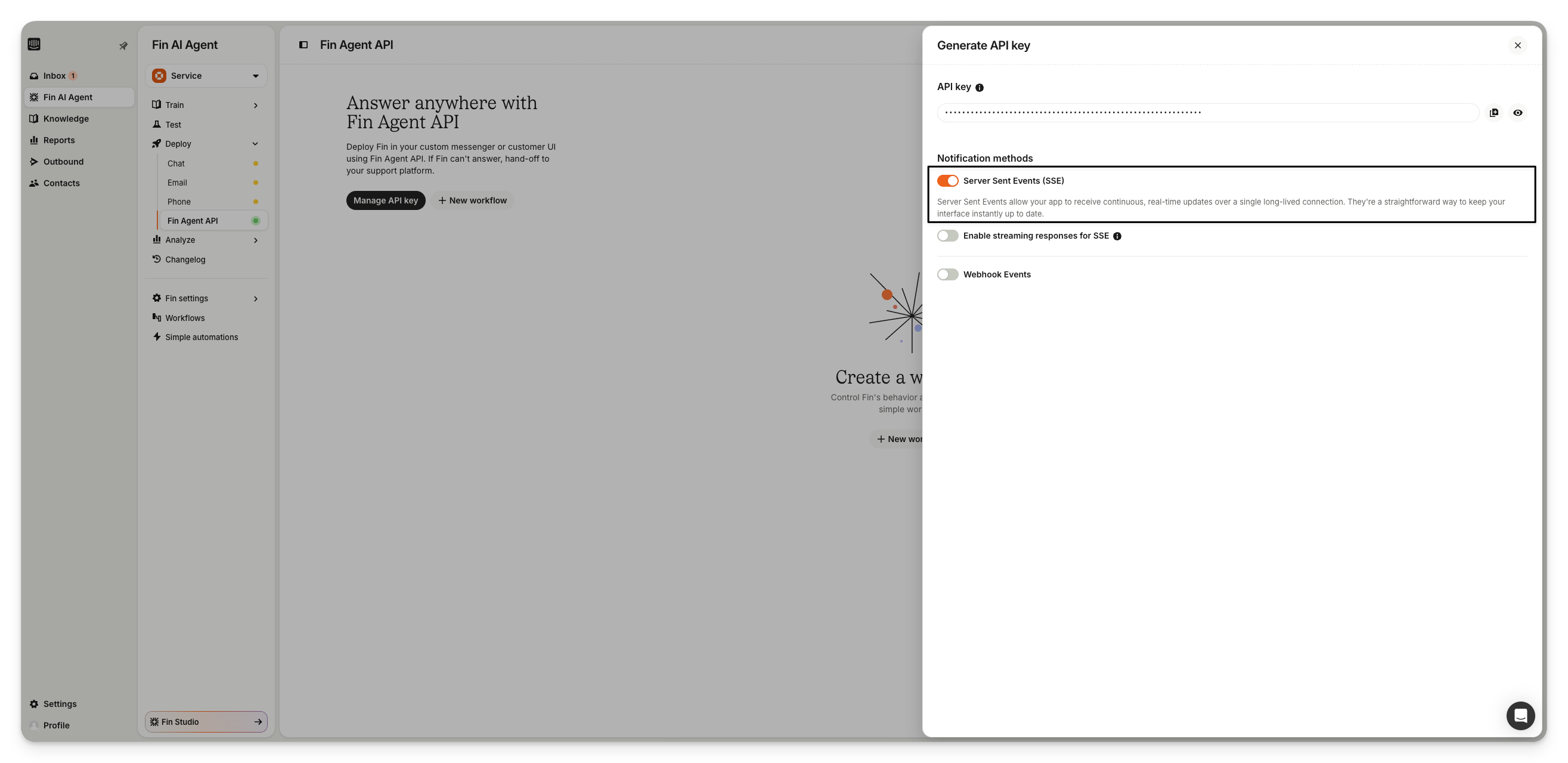
Enable SSE to receive events via a real-time stream. When enabled, the /fin/start and /fin/reply responses include an sse_subscription_url that you can connect to directly.
See SSE (Server-Sent Events) in the overview guide for connection details and token lifecycle.
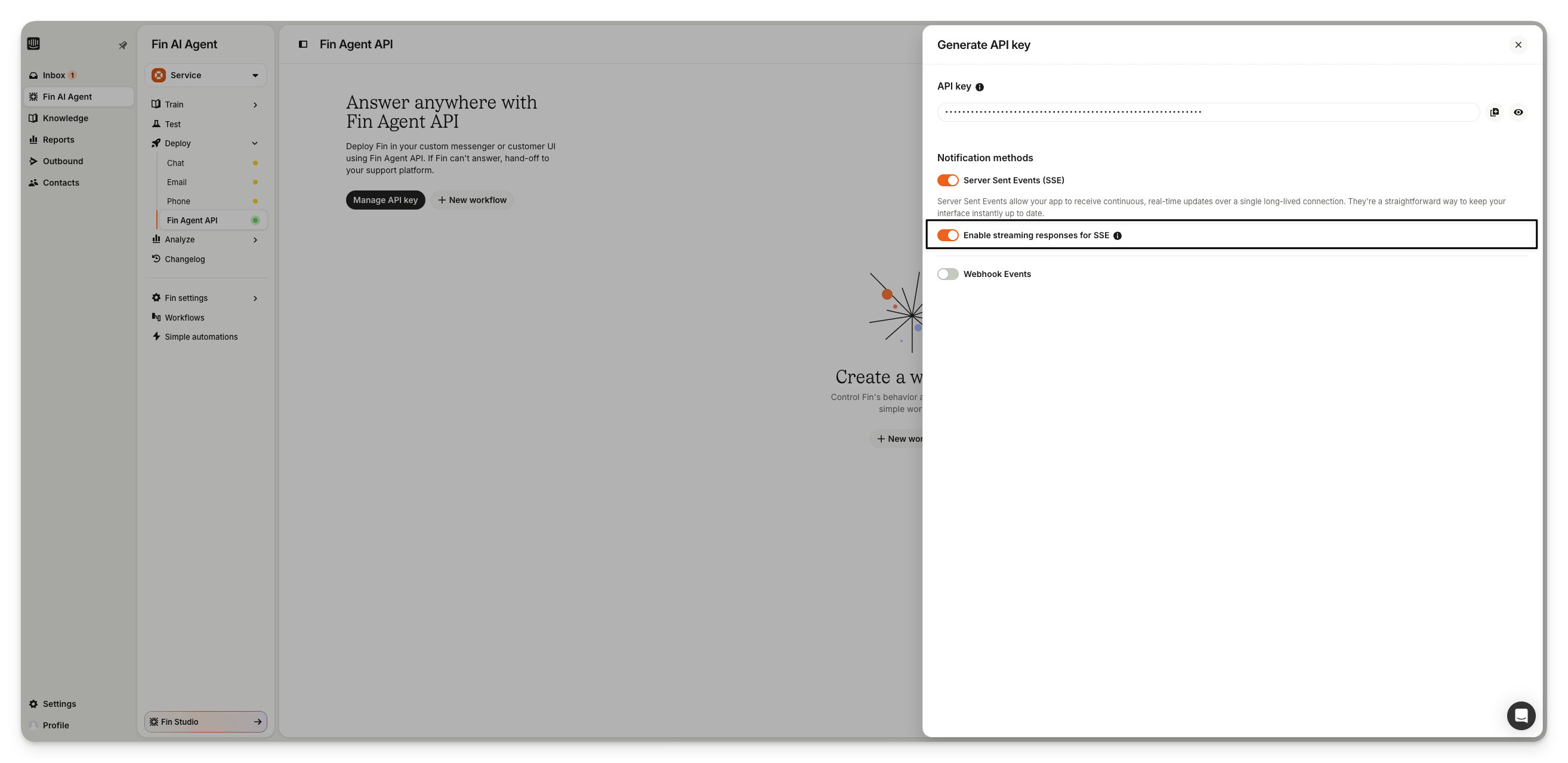
Enable streaming to reduce time-to-first-token (TTFT) in your UI. When enabled, Fin emits fin_reply_chunk events over SSE as it generates its response. Each chunk carries the full accumulated answer text so far, allowing you to render Fin's reply progressively. When the fin_replied event arrives, replace the streamed text with the final HTML body.
Please refer to Intercom’s authentication guidelines for more information.