The Fin Custom Helpdesk Integration uses token-based authentication to secure both inbound requests (Fin calling your endpoints) and outbound webhooks (your system notifying Fin).
When Fin calls your API endpoints, you need to verify that the requests are coming from Fin. You can configure the access token used in all API requests to your system from the Fin Deployment UI. We support two-legged OAuth 2.0 for authentication.
- Navigate to the Fin Deployment UI
- Configure your authorization token(s)
- Fin will include this token in all API requests to your endpoints
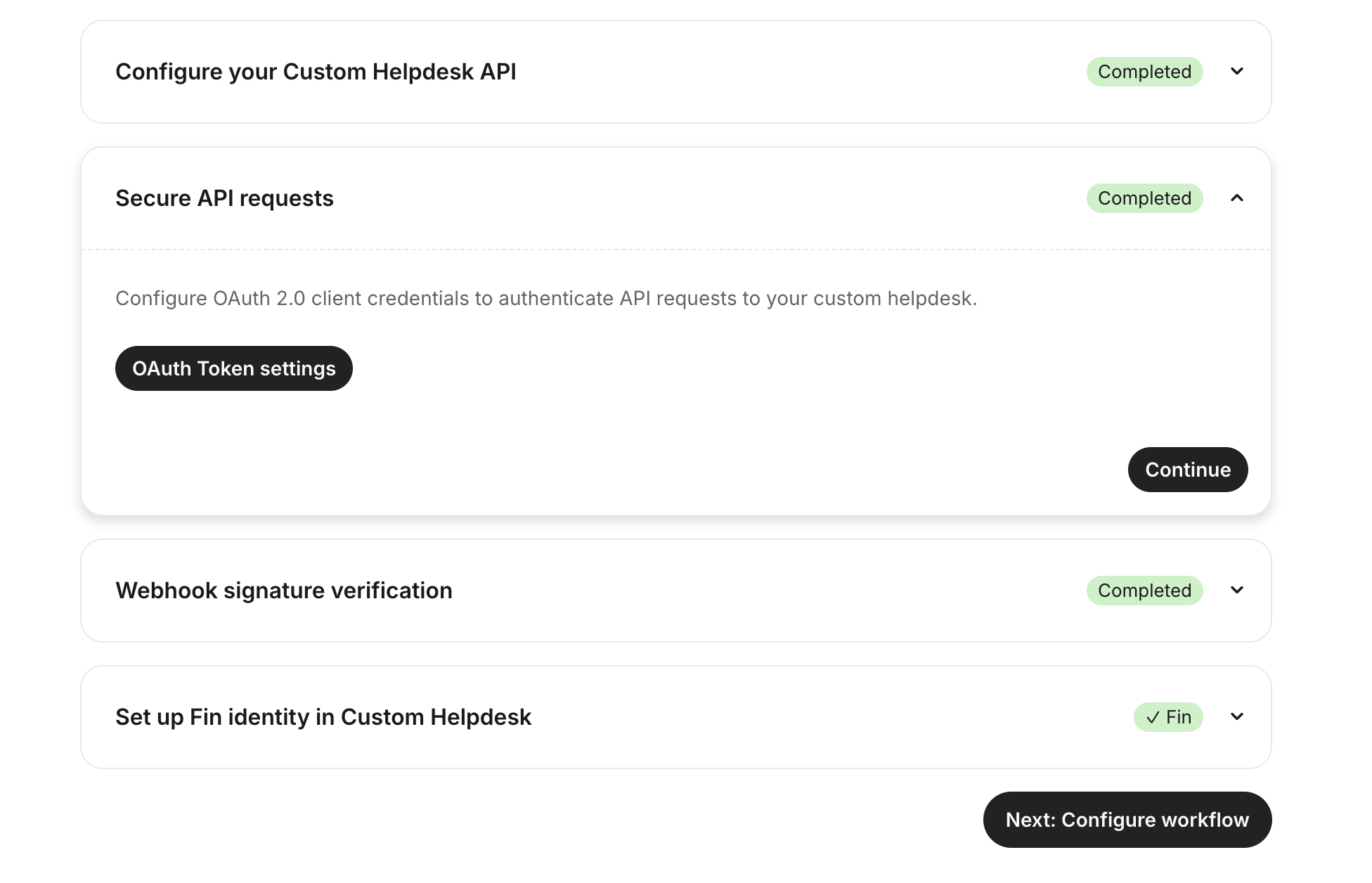
Each API request will include the following header containing the OAuth access token issued by your token API:
Authorization: Bearer your-secret-tokenYour endpoint should validate this token on every request.
On any 401 or 403 response from your API, we will attempt to fetch another access token from your configured token endpoint.
When your system sends webhooks to Fin to notify of conversation changes, Fin needs to verify the requests are coming from you.
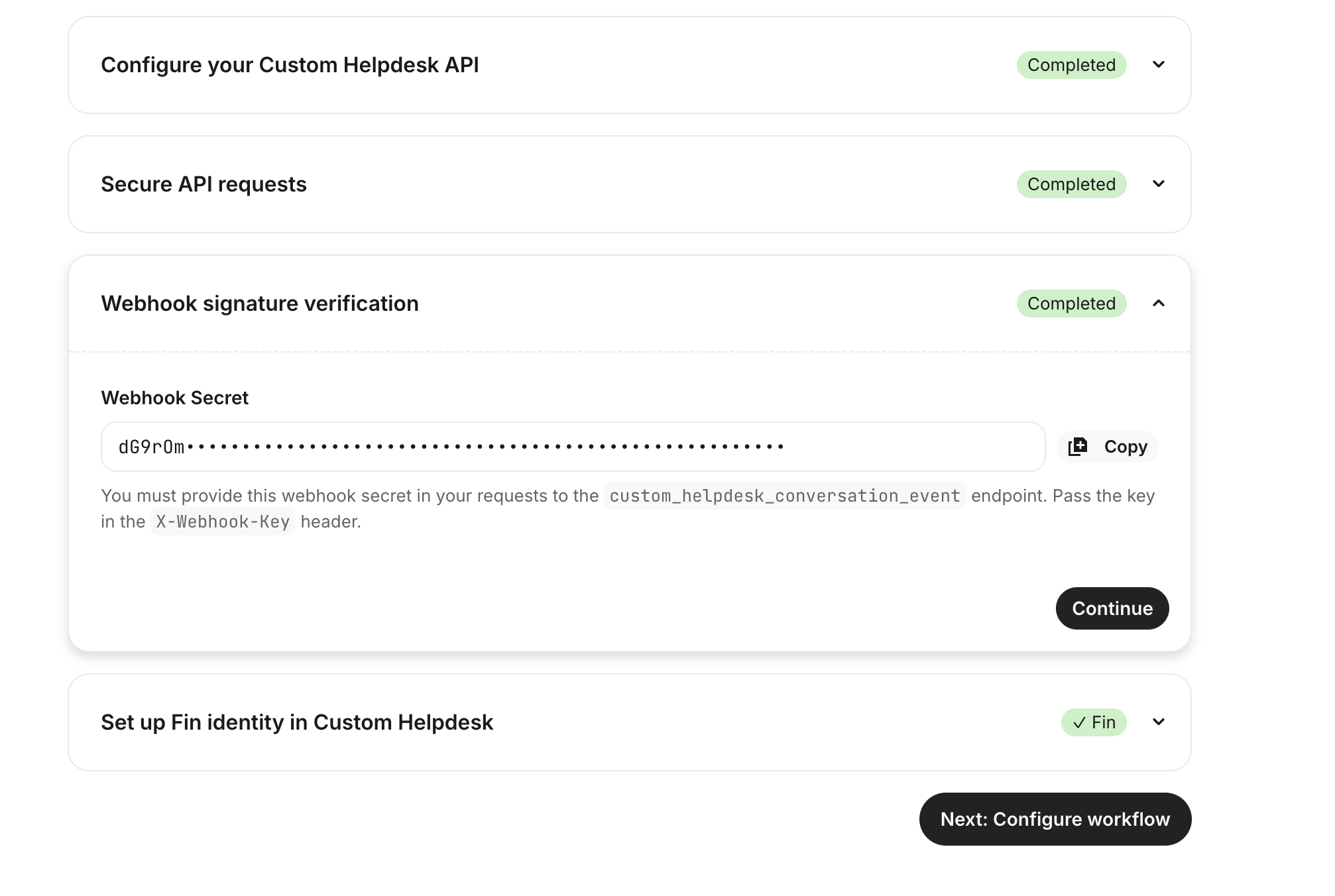
On setup, you will be given a webhook secret key. You must provide this secret in your requests to the custom_helpdesk_conversation_event endpoint under an X-Webhook-Key header.
Note that the URL will vary depending on your Fin workspace region.
US -
https://api.intercom.io/hooks/standalone/custom_helpdesk_conversation_eventEU -
https://api.eu.intercom.io/hooks/standalone/custom_helpdesk_conversation_eventAU -
https://api.au.intercom.io/hooks/standalone/custom_helpdesk_conversation_event
For additional security, you can allowlist Fin's IP addresses.
You can find the list of IP ranges for your region in Intercom IP addresses. These same ranges cover all outbound Intercom traffic, including Fin Data Connector callouts.